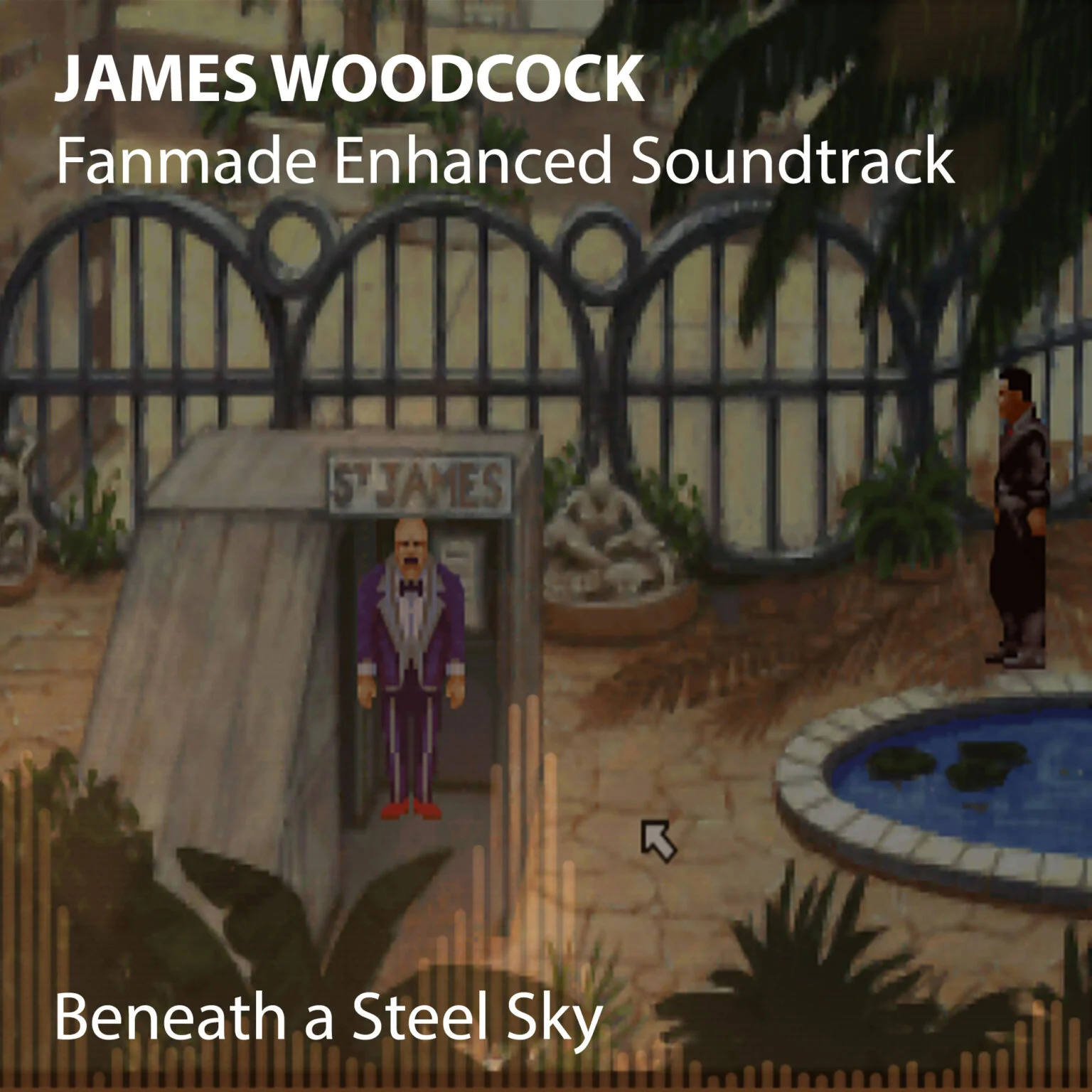
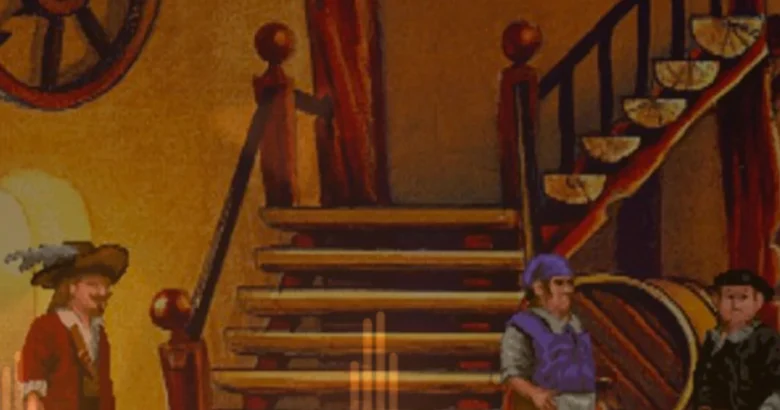
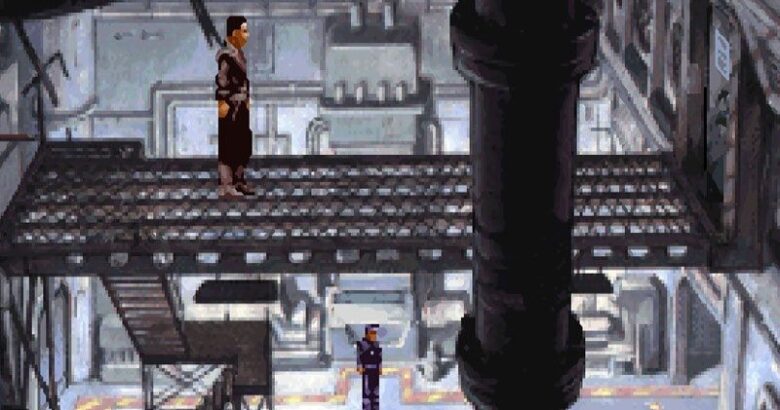
Beneath A Steel Sky has been playable through the ScummVM software for many years and I am pleased to announce that version 1.0 of my enhanced soundtrack is now available for you to use within the game, which will give everyone superior sounding music and not just those with powerful MIDI equipment.
A big thank you for the countless emails and tweets I have had about this particular release and of course to the ScummVM team for implementing the external audio files I have created – allowing my enhancements to be released for your enjoyment.
To install, extract the music from the zip file and copy it to your Beneath A Steel Sky folder on your hard drive. Make sure you have version 1.4.1 of the ScummVM software. For best quality (although not mandatory), start the ScummVM program and select Beneath A Steel Sky. Now select [Edit Game], switch to Audio tab, tick the ‘Overide Global Audio Settings’ and set Sample Rate to 44kHz.
If you enjoy my enhancements, please consider donating.
You can also legally download Beneath A Steel Sky both floppy (with subtitles only) and CD-ROM (with speech) from the ScummVM website.
Beneath a Steel Sky Soundtrack
Beneath a Steel Sky Soundtrack, designed specifically for use with the ScummVM software with enhancements using modern music hardware by James Woodcock. Available in FLAC and OGG Vorbis formats.
James is a Freelance Journalist, Copywriter, Author, Blogger & Podcaster specialising in gaming, gadgets and technology, both retro and modern.
Ever since he experienced the first controllable pixel movement on the television screen, he has been entranced by the possibilities and rewarding entertainment value generated from these metal and plastic boxes of delight. Writing hundreds of articles, including commentary and reviews on various gaming platforms, whilst also interviewing well-known industry figures for popular online publications.
Creator of the ScummVM Music Enhancement Project and host of the Game & Gadget Podcast.
View his portfolio for more information.
Thank you James for taking the time to produce something so fantastically decent for the community. BASS is my favourite game of all time and your enhanced soundtrack quite simply does the impossible and makes it even better!
Mr Woodcock,
What you did is unbelievably amazing! BASS is one of my absolutely favourite games ever (#3, to be exact), and since I played it for the first time those 17 years ago I still remember the great music it had. Remember it quite in detail, as it turned out when I played it again recently – I could hum the tunes with no problem :)
BUT midi music, no matter how awesome, still can’t be taken seriously being midi. And then You came and made it not only awesome for us, nostalgia-driven fans, but also appreciable for everyone!
What a lovely comment! Thank you very much :) Really pleased you are enjoying my enhancements and that BASS still has a solid place within your gaming affections.









Thanks a lot for your stunning project. I’ll replay BASS with your music pack as soon as I can.
I was wondering, is there a way to get the midi files you used for the music pack?
My pleasure :)
The MIDI files should be available on the Internet if you do a search of the originals on Google.
Thanks. Found them at ScummVM forums!
Thanks James! I’ve tried the music you’ve enhanced for Discworld and Simon the Sorcerer, and I’ve got to tell you: they are sublime.
I can’t wait to try this one out!!! Best regards from Argentina!
Thank you for your kind comments :)
Wow! Now I have a reason to play BASS again :)
Enjoyed your previous enhanced soundtracks. Thanks a lot! ;)
Glad you are enjoying my enhancements :)
Thank you James for taking the time to produce something so fantastically decent for the community. BASS is my favourite game of all time and your enhanced soundtrack quite simply does the impossible and makes it even better!
High praise indeed, thank you :)
I ran into this superb new feature and realised i had no excuses lef to try this classic game. Thanks a million for the incredible effort!
Mr Woodcock,
What you did is unbelievably amazing! BASS is one of my absolutely favourite games ever (#3, to be exact), and since I played it for the first time those 17 years ago I still remember the great music it had. Remember it quite in detail, as it turned out when I played it again recently – I could hum the tunes with no problem :)
BUT midi music, no matter how awesome, still can’t be taken seriously being midi. And then You came and made it not only awesome for us, nostalgia-driven fans, but also appreciable for everyone!
Thank you, dear Sir, and more please!
What a lovely comment! Thank you very much :) Really pleased you are enjoying my enhancements and that BASS still has a solid place within your gaming affections.